Buy in bulk. Follow every voucher.
One app for schools and agents. Buy UniReady vouchers at a bulk discount, hand them out, and see which ones students have used. It installs on your phone or computer like an app.
No password. We email and text you a code each time you sign in.
One platform, two views.
You choose School or Agent when you sign up, and the app shows what matters to you.
Schools
Give a whole class Premium without anyone paying one by one.
- Buy vouchers in bulk and download the code list
- Print voucher cards to hand out
- See how your students are doing, once they agree to share it
Only schools can see student progress, and each student chooses to share it. School accounts are checked by our team before they are switched on.
Agents
Sell vouchers to students and keep track of the business.
- Buy vouchers in bulk at a lower price
- See sales and which vouchers have been used
- Earn commission on referrals and see your payout days
Students can check a voucher before they pay, and vouchers that are sold twice are traced back to the seller.
See the app.
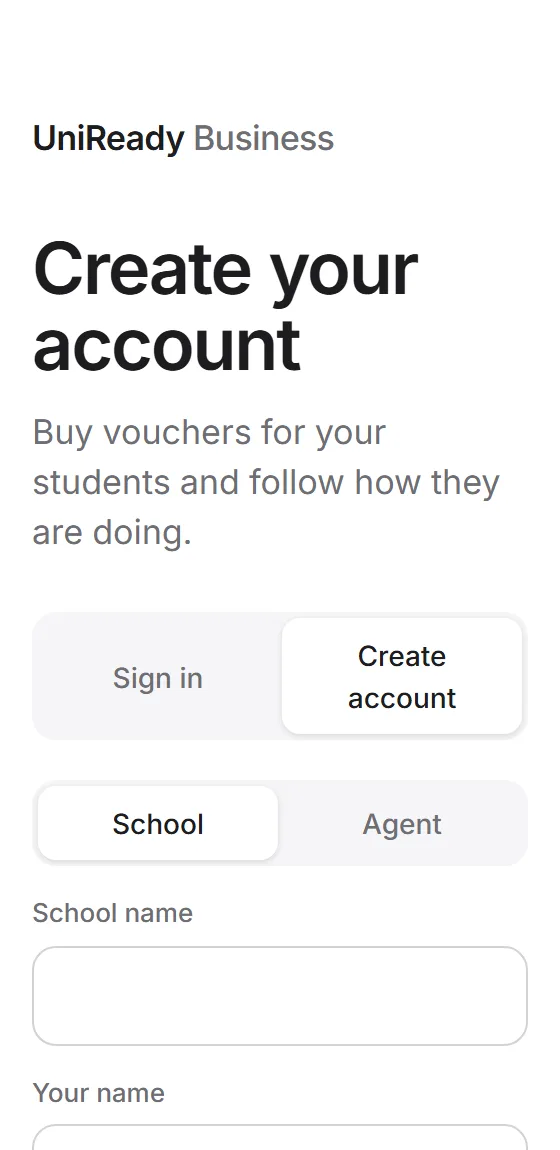
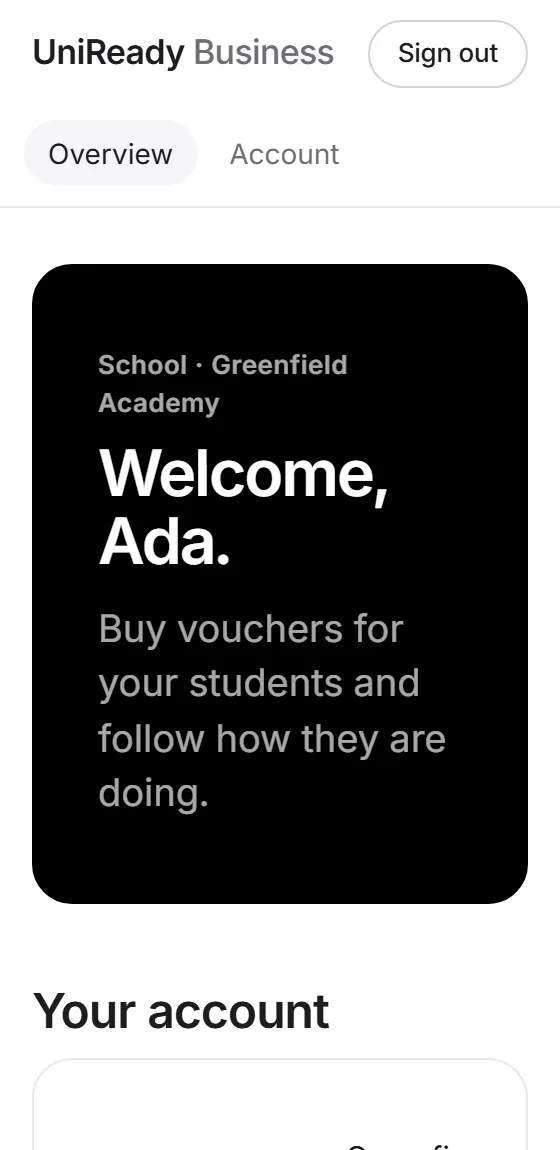
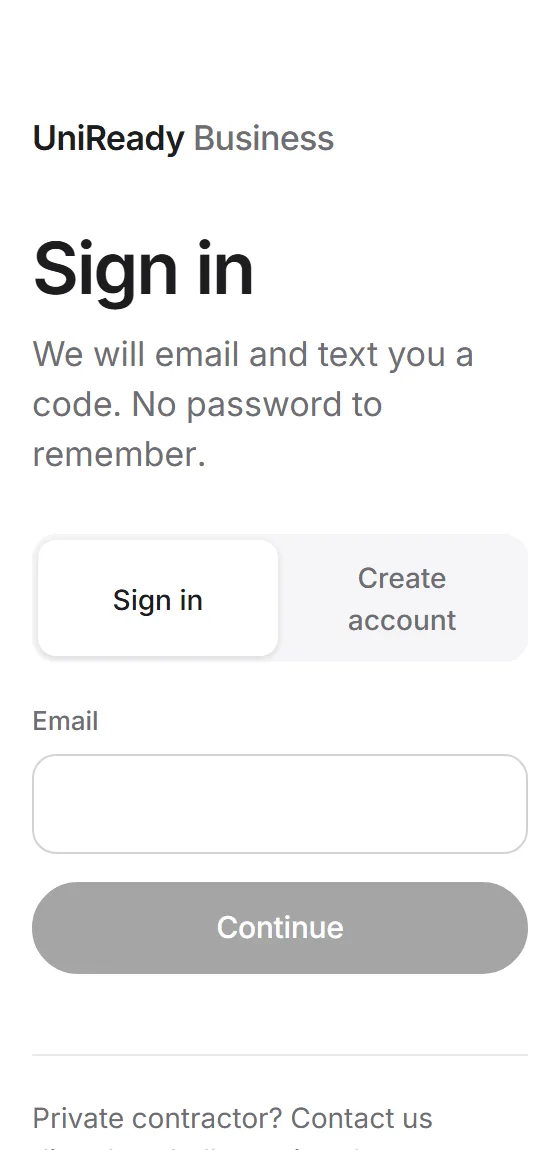
Install it on your phone or computer.
UniReady Business is its own app with its own icon. There's no app store: it installs from your browser in a few seconds and uses very little space.
Android
- Open UniReady Business in Chrome.
- Tap Install when it appears, or the three dots, then Install app.
- Open it from your home screen.
iPhone and iPad
- Open UniReady Business in Safari.
- Tap the Share button.
- Choose Add to Home Screen, then Add.
Computer
- Open UniReady Business in Chrome or Edge.
- Click the install icon at the right of the address bar.
- Choose Install. It opens in its own window.
Looking for the student app? Get UniReady for students.
How it works.
- 1
Create your account
Sign up as a school or an agent. Agents can start straight away. Schools are approved by our team first.
- 2
Buy vouchers
Choose how many. The more you buy, the lower the price for each. Each voucher gives a student Premium for one year.
- 3
Hand them out and follow them
Students enter a code when they sign up, or later from their profile menu. Premium starts straight away and adds to any time they already have.
Buying vouchers, code lists and the dashboards are being added to the app step by step, and bulk prices will be published before they open.
Private contractor?
If you run a large or special arrangement, you don't need an account. Talk to us directly.
We set up your vouchers for you and agree the details together.
Contact us